 Lusid
Lusid
Block distracting apps and reduce screen time.
For Free.
A free, highly customizable, screen time app alternative to Opal, ScreenZen, and Brick.
Download on the App Store
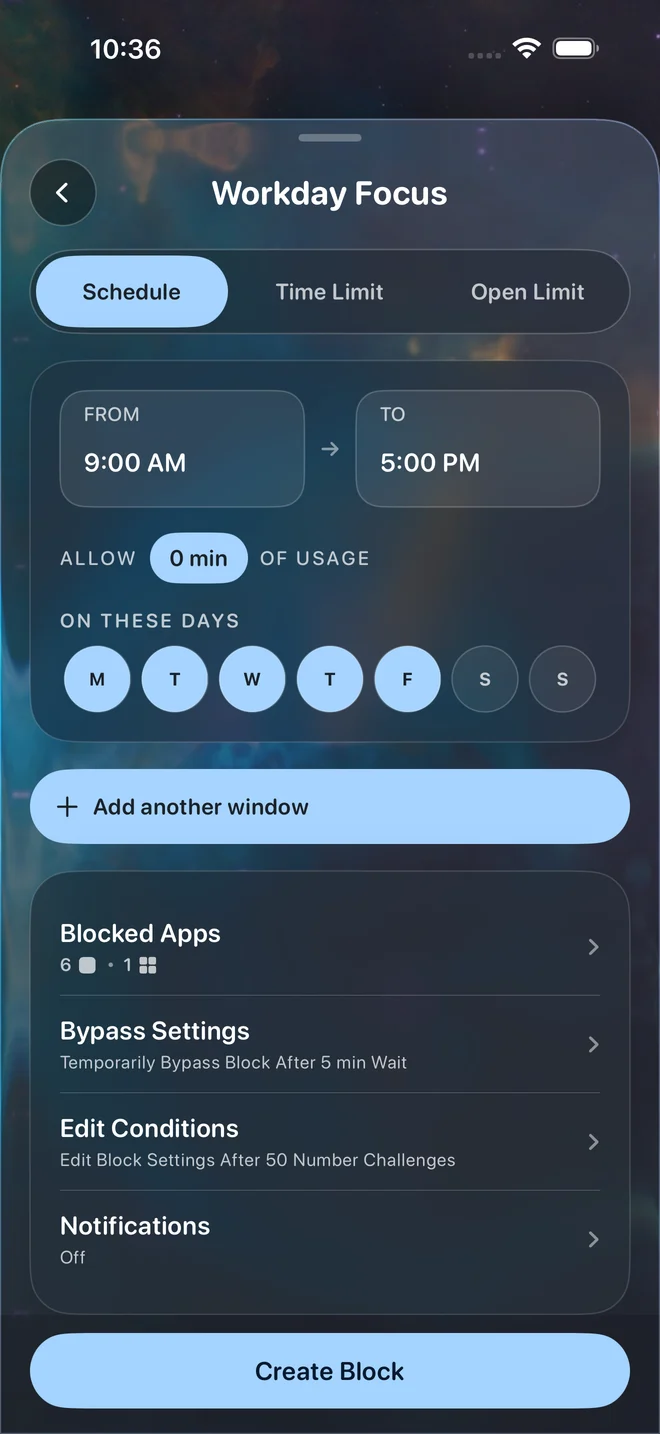
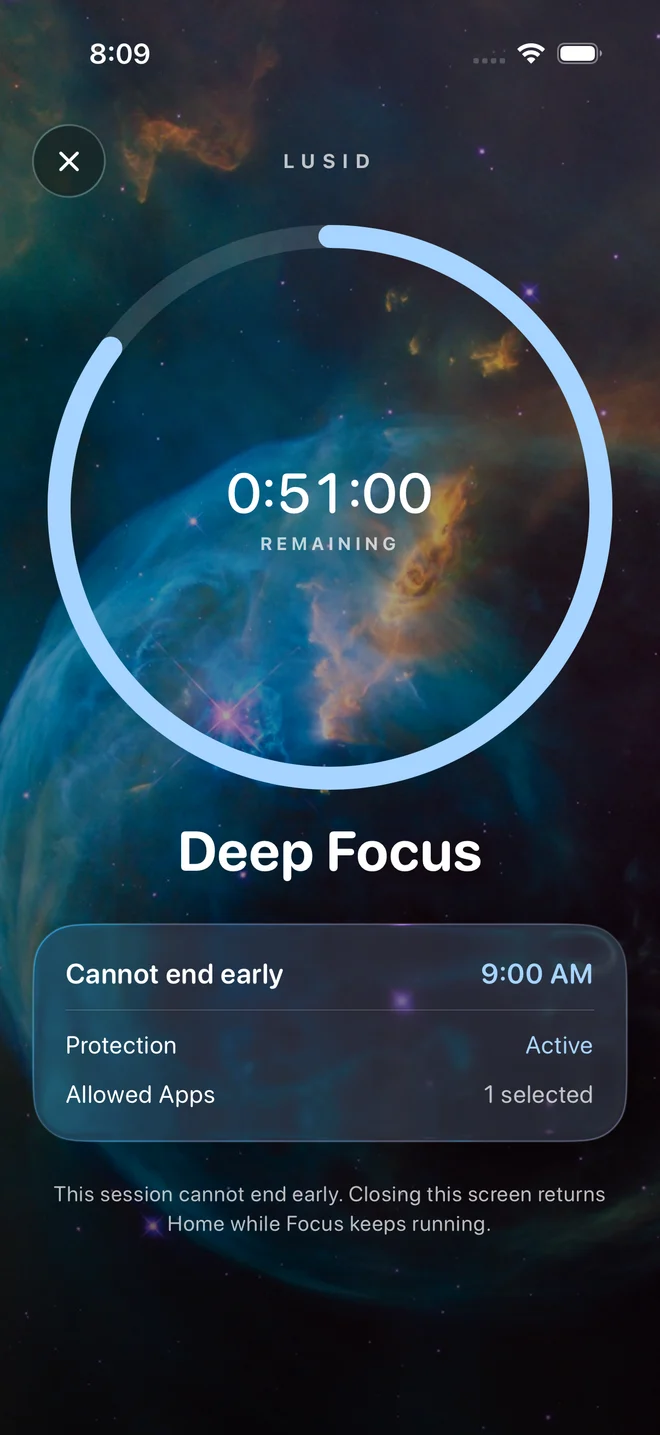
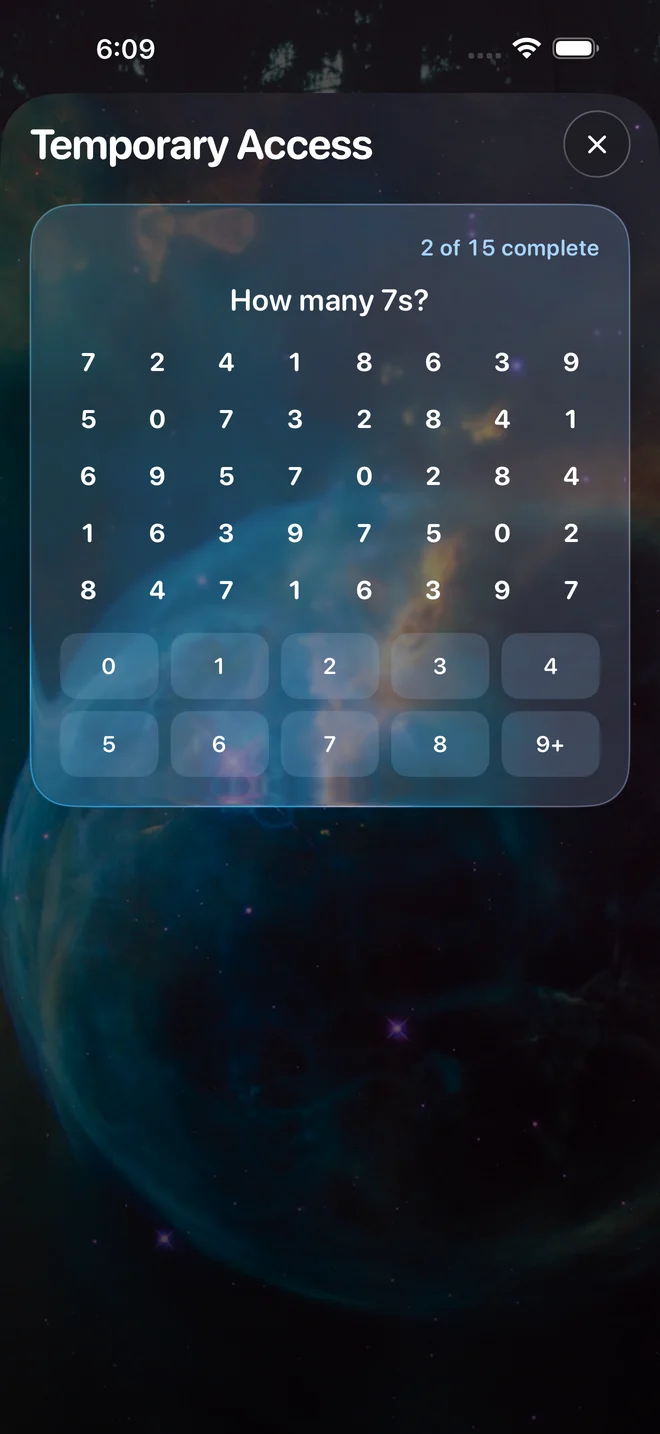
Lusid saves its users 2 hours per day
If you saved 2 hours per day, what could you do?

- 2 hourseach day
- 3 full daysper month
- A whole montheach year
- 7 yearsover a lifetime


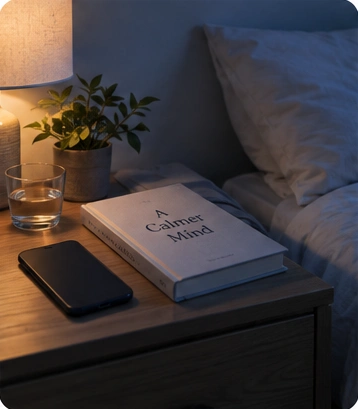

How Lusid works
Select a step to see Lusid.
1Choose your apps.
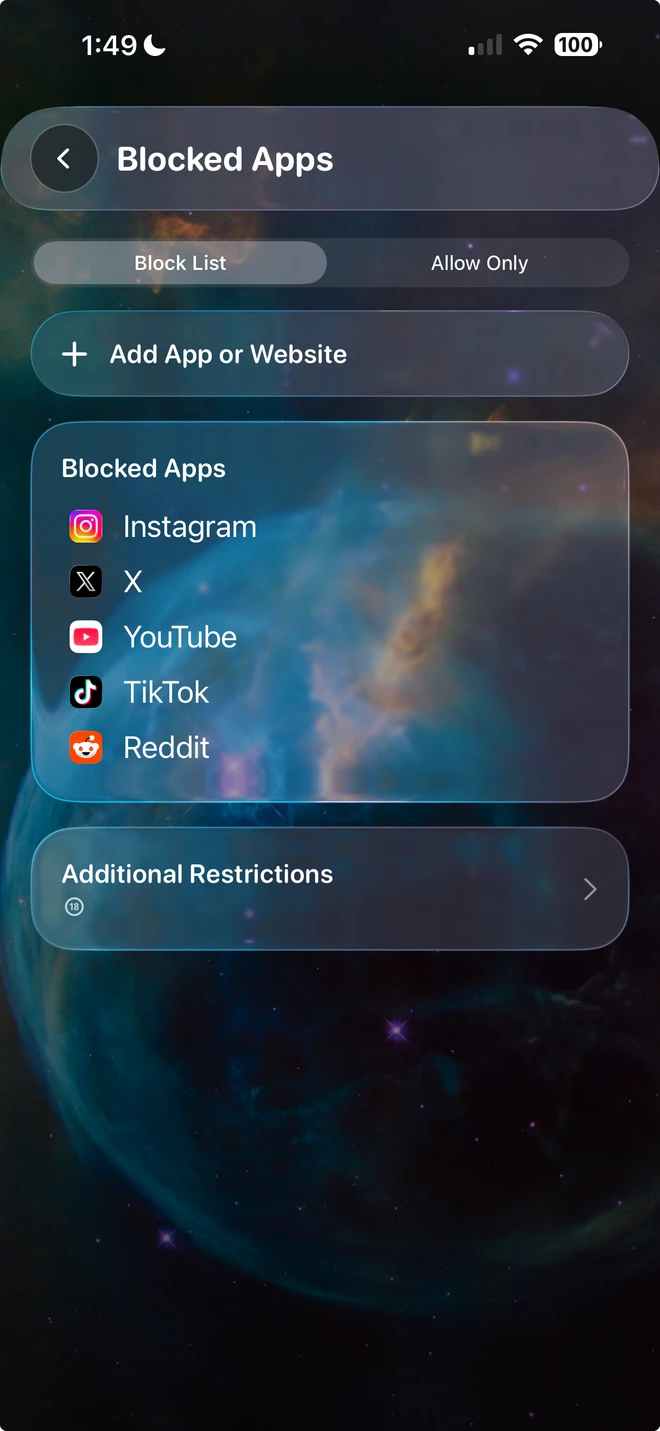
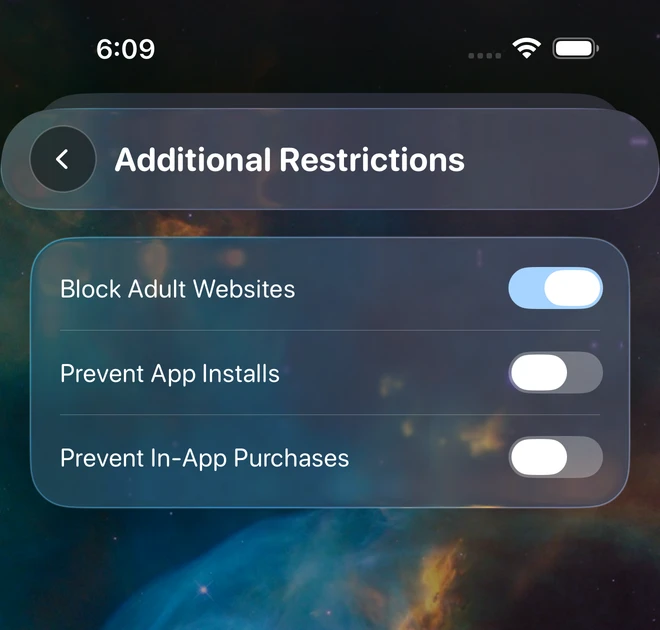
Select apps and websites to block, or allow only your essentials. Block adult websites or app installs too.
2Set your limits.
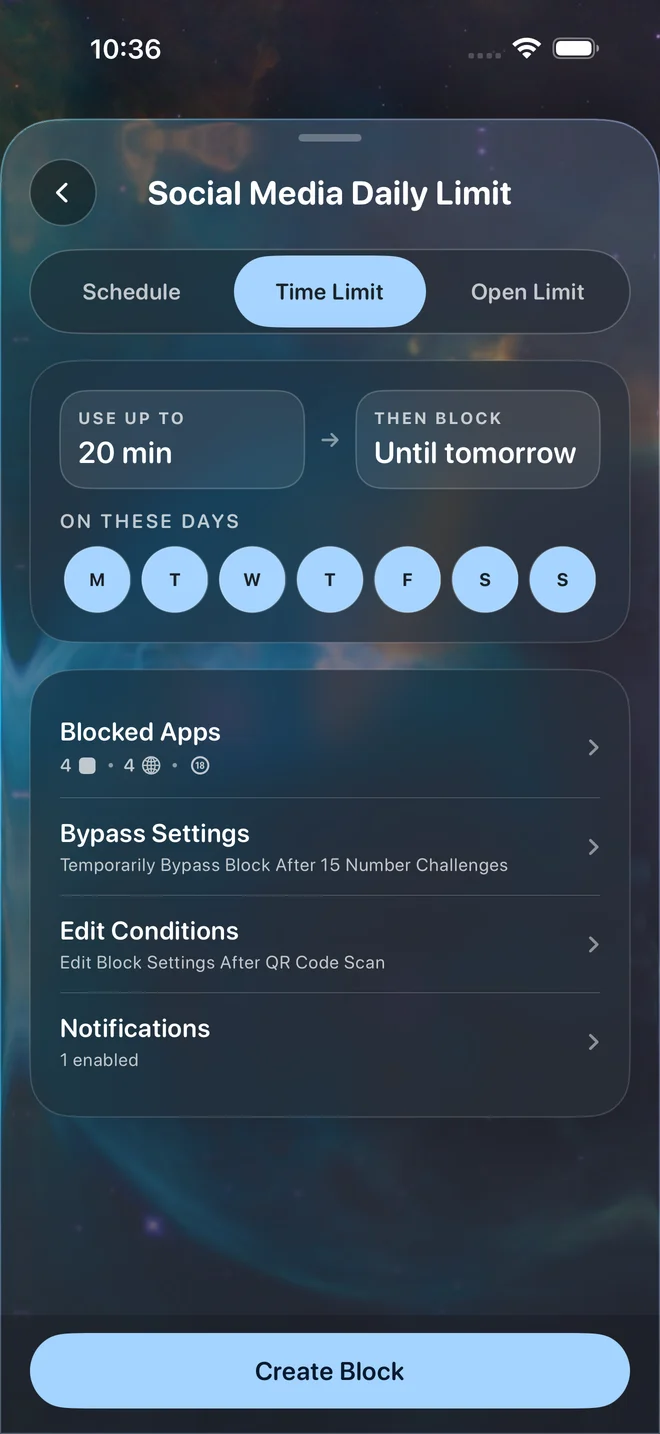
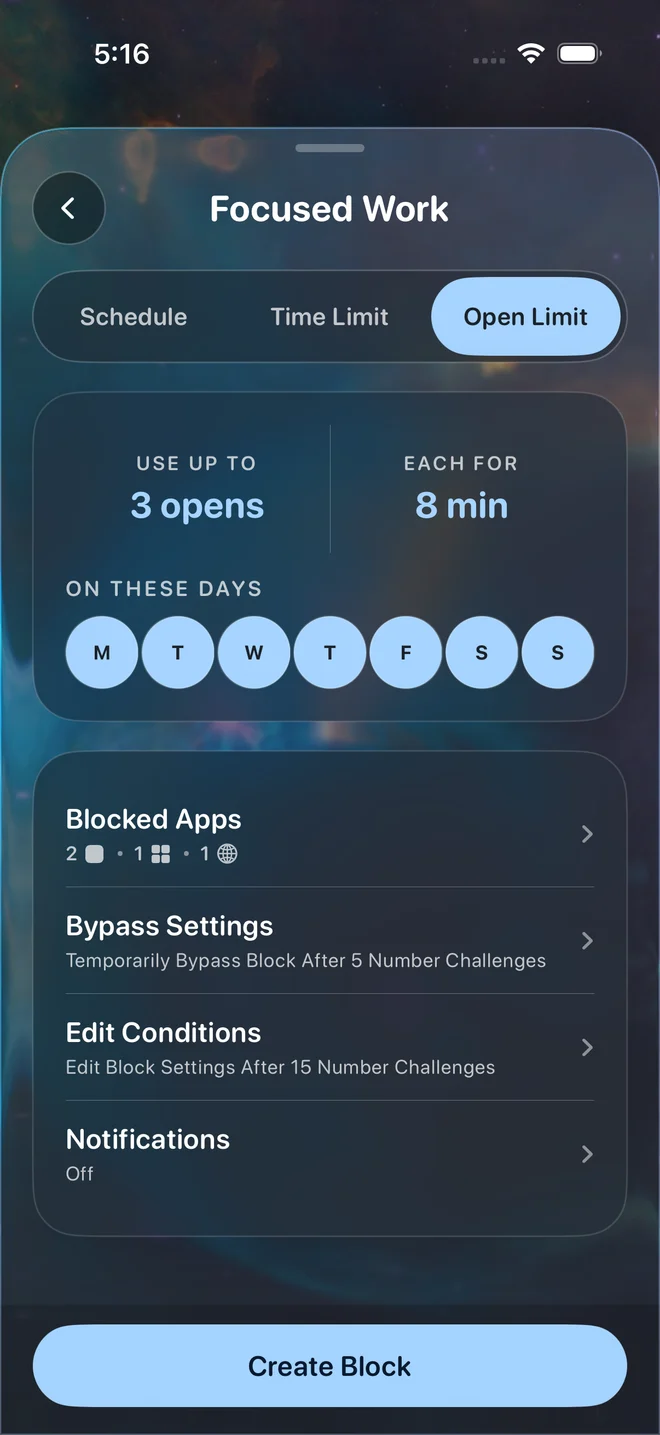
Block on a schedule, set a daily time limit, or limit how many times you can open apps.
3(Optional) Add a physical object.
Register a physical object like a QR code and scan that same code when you want to unlock your apps.
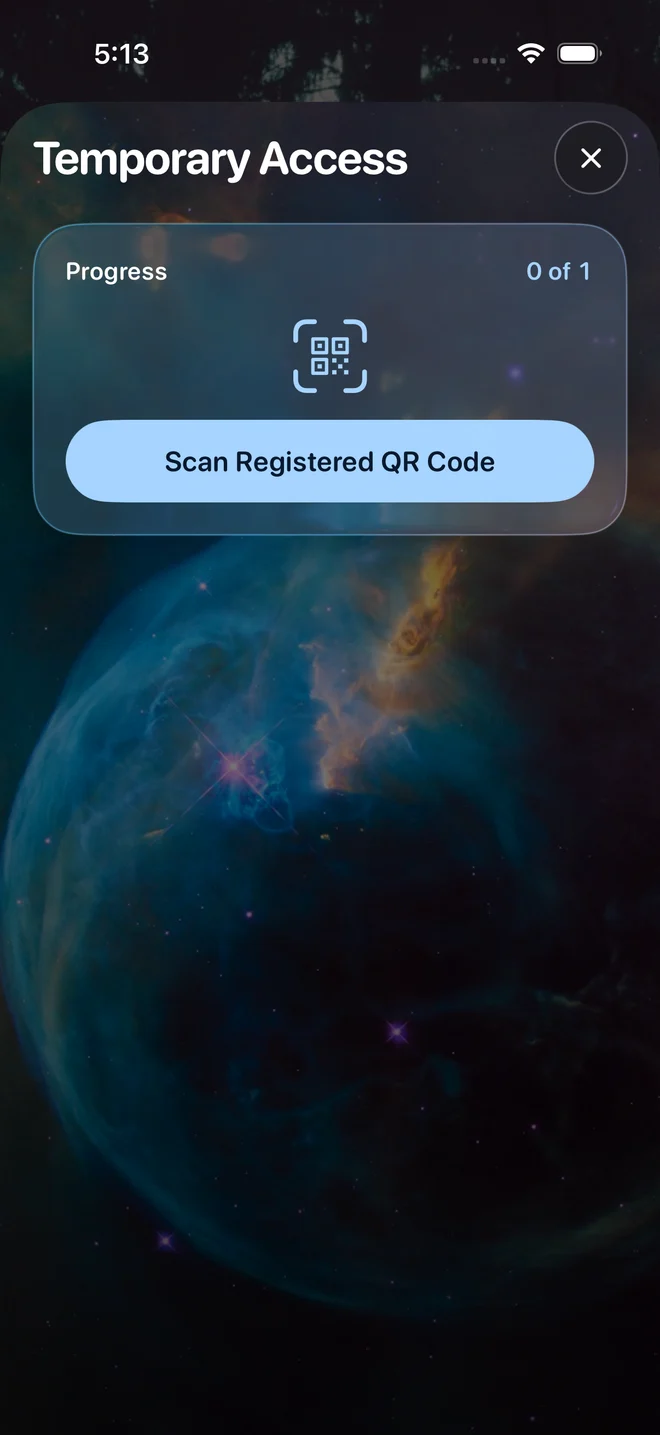
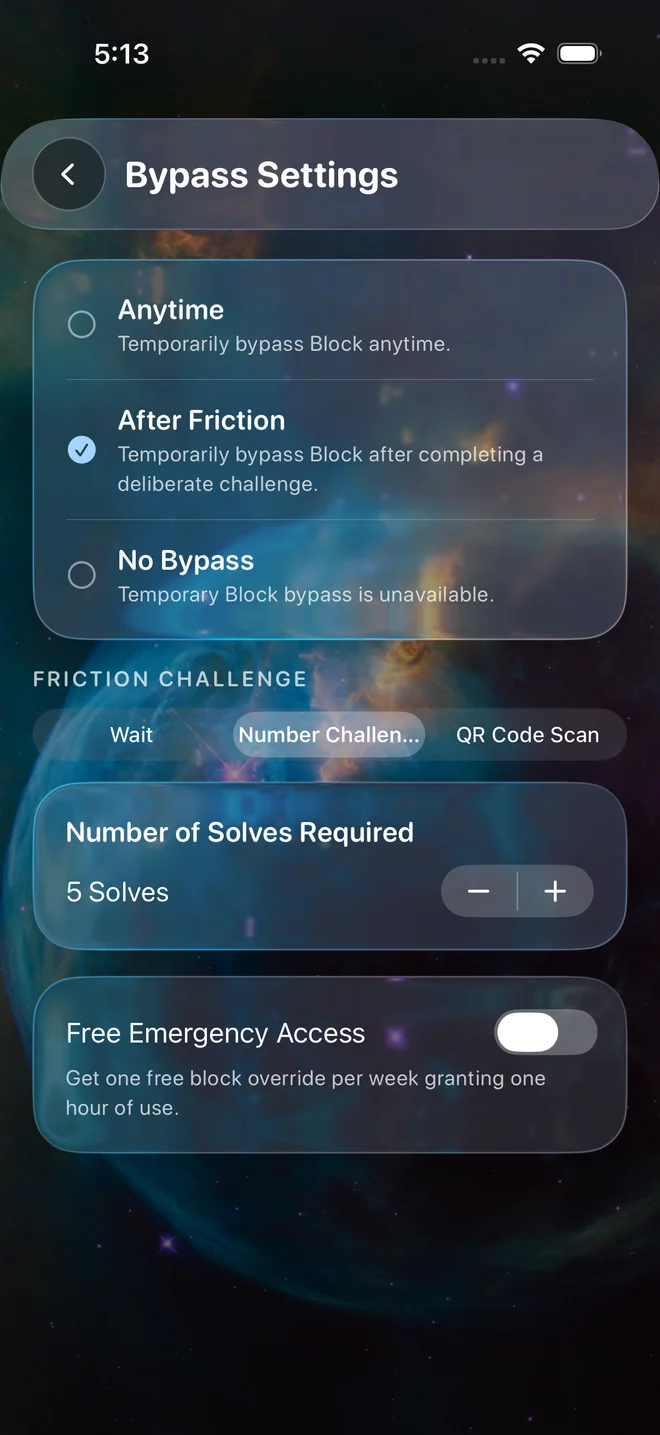
4Customize the friction to unlock apps.
Configure a wait, tedious number challenge, or physical scan before temporary access. Or allow no bypass at all.
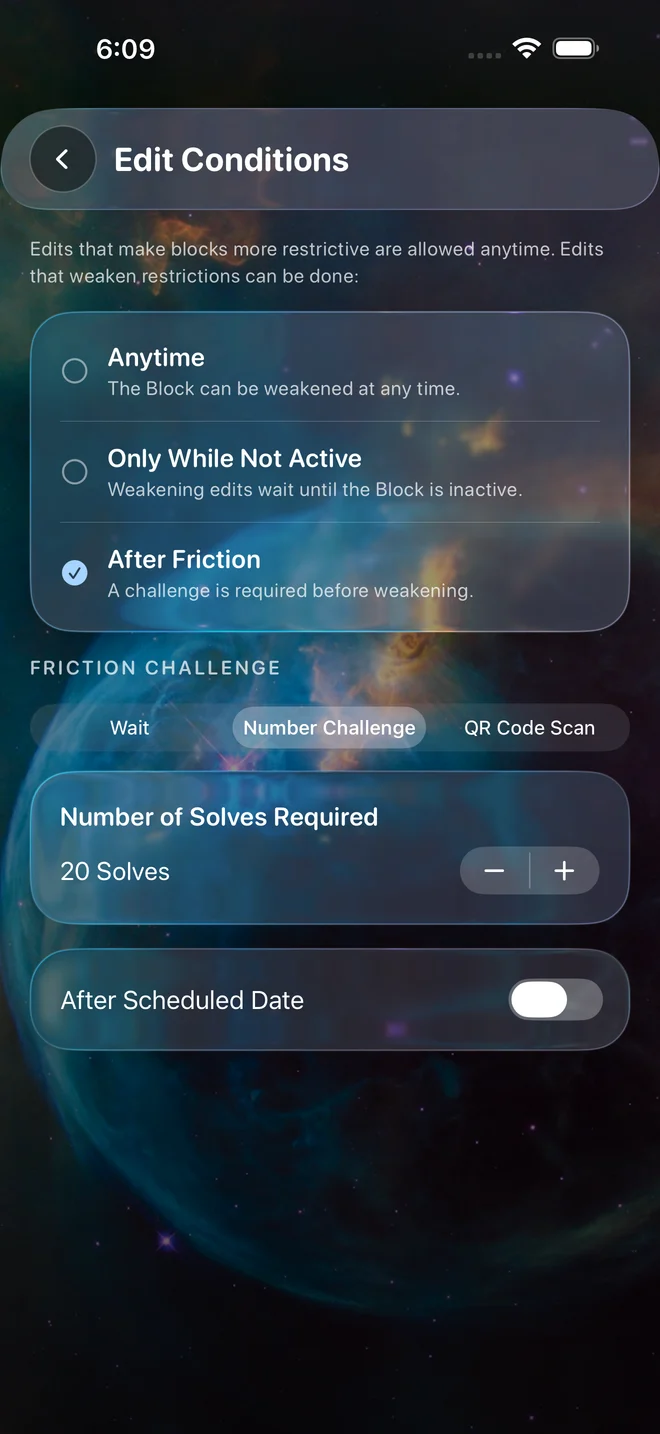
5Protect a block's edits and deletion.
Separately choose the friction for editing, pausing, or deleting a block. Making a block more restrictive is always instantly allowed.
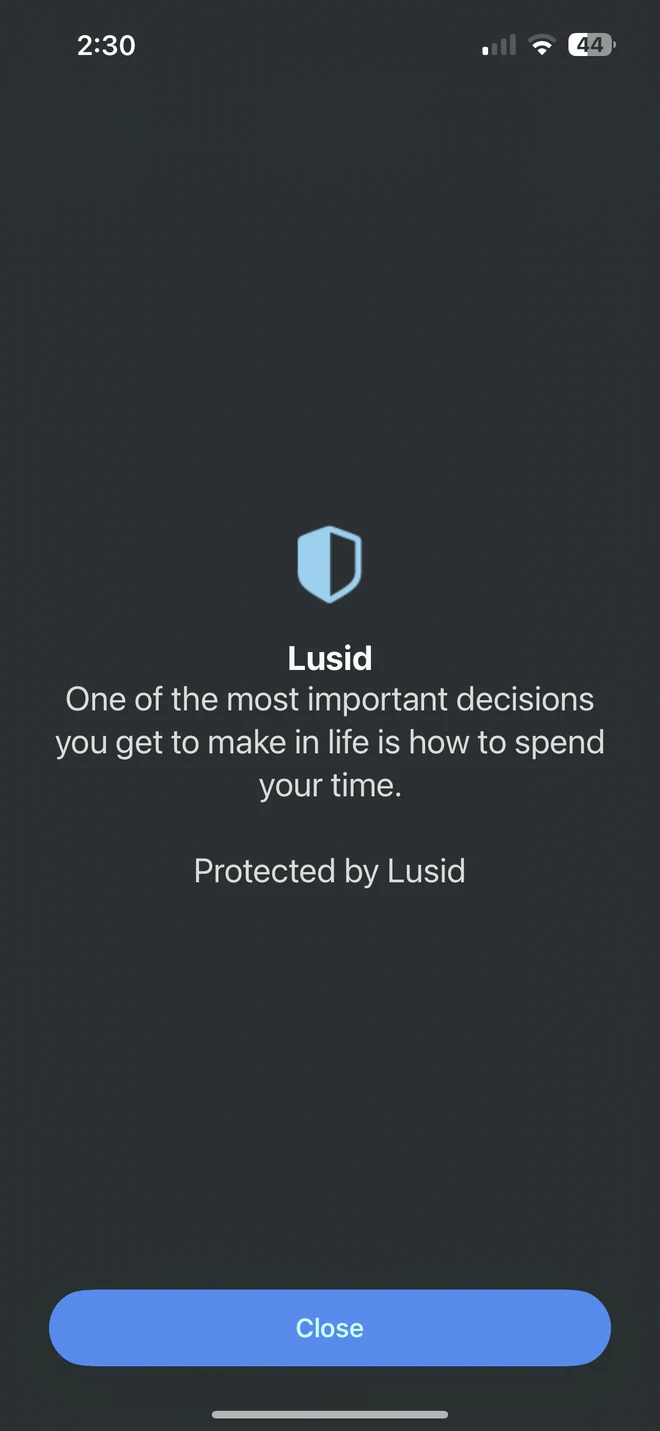
6Focus on what matters.
Your distracting apps are blocked, letting you get back to what you really wanted to do.
HIGHLY CUSTOMIZABLE BLOCKING
What makes Lusid different?
- Most apps merge temporary unblocking and pausing/deleting a block into one operation, letting a single override derail all future sessions. We keep them separate so that your blocks are successfully maintained over months or years.
- Lusid has all the features from Opal, ScreenZen, and Brick: schedules, time limits, open limits, allow lists, physical device scanning, and lenient or increasingly strict modes.
- Completely free
FREE SCREEN TIME APP FOR IPHONE
FAQ
Is Lusid really a free screen time app?
Yes. Lusid is completely free, forever. Every Block, Focus Session, and customization is included. There’s no subscription, trial expiration, or premium feature tier.
I've tried Screen Time apps before, why will this be different?
For many screen time apps, most people end up deleting blocks they've previously created due to how they are naturally structured (e.g. blocks may be easy to delete, editing a block for productive purposes requires initial deletion, a one-time desire to temporarily disable a block leads to a long-term pause or deletion, etc). Lusid takes special care to separate these concerns with configurable friction so that the essence of the blocks you initially create persists for months or years on end.
Can’t I just delete Lusid or bypass it?
Lusid enables protections that prevent simple app deletion and employs friction like configurable waits, number challenges, and physical device scans to prevent simple bypasses.
How does Lusid block apps and websites on iOS?
With your permission, Lusid uses Apple’s Screen Time system to restrict the apps, categories, and websites you choose. Blocks can follow a schedule, time limit, or open limit, and can be disabled with configurable waits, number challenges, or physical scans like QR codes. You can also start a Focus Session when you need uninterrupted time.
Can I use this with a physical object?
Yes. Register a code (eg QR code) on a physical object and choose scanning as the friction. Place it away from your usual scrolling spot: you’ll need to scan that same code to unlock access. No dedicated blocking device is required.
Will this block all my apps, even the ones I need?
No. You choose which apps and websites to block. You can also use an allow list to keep your essentials available while blocking the rest. Calls, maps or other apps you need can remain accessible according to your selections.
Which devices does Lusid support?
Lusid is currently available for iPhone running iOS 18 or later. Android, Mac, and Windows will be supported soon.
Is Lusid an alternative to Opal, ScreenZen and Brick?
Yes. Lusid combines app and website blocking, schedules, time limits, open limits, Focus Sessions and physical scanning in a completely free iPhone app. You can customize both the friction for temporary access and the conditions for changing your blocks.
Make time for what you’ve been putting off.
Free forever. Highly customizable. Available on iPhone.
Download on the App Store